Shop / Slide decks / FluxBold Editorial Presentation Template for Canva (Chartreuse & Lilac)
What's the best Canva slide deck template for creative agencies and client pitches?
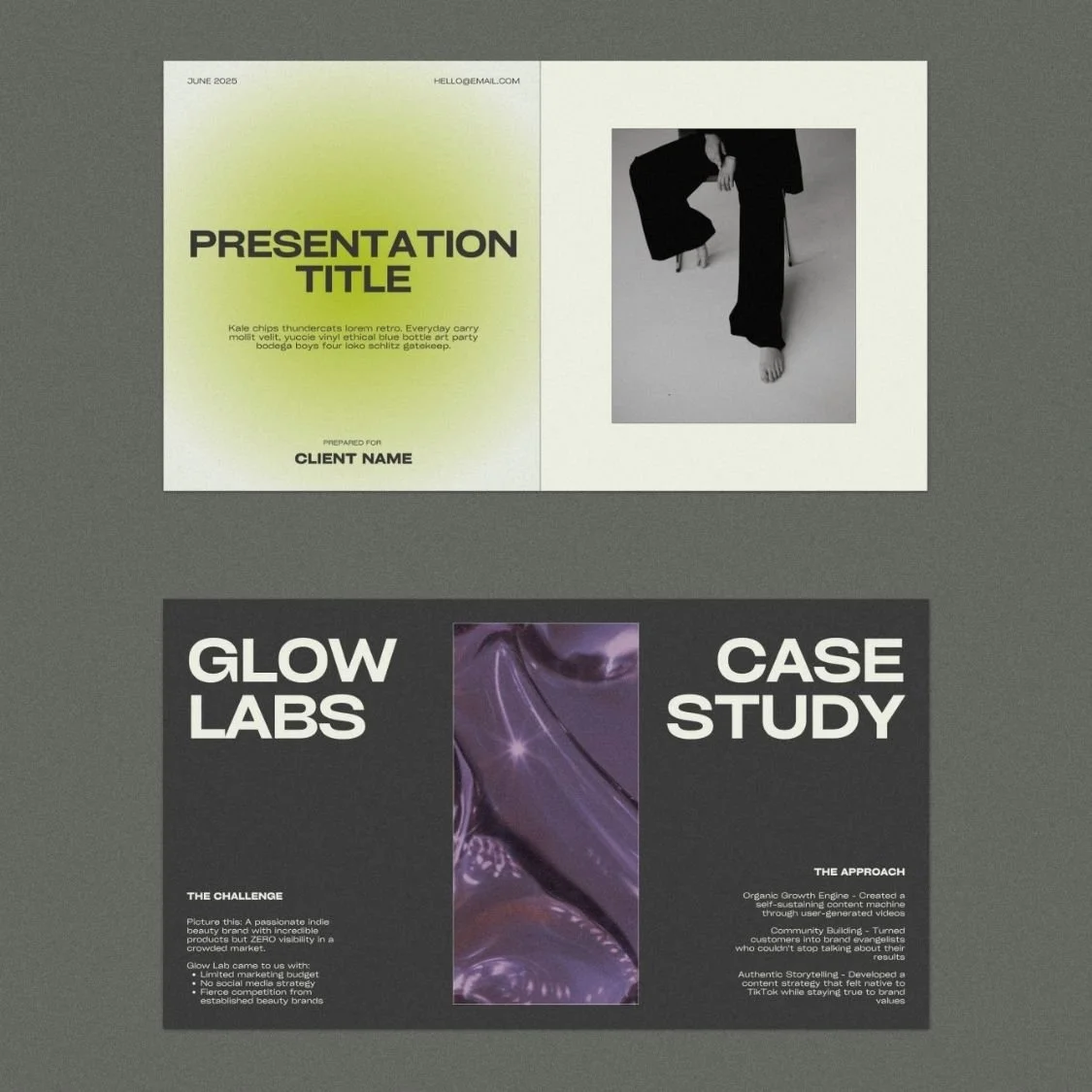
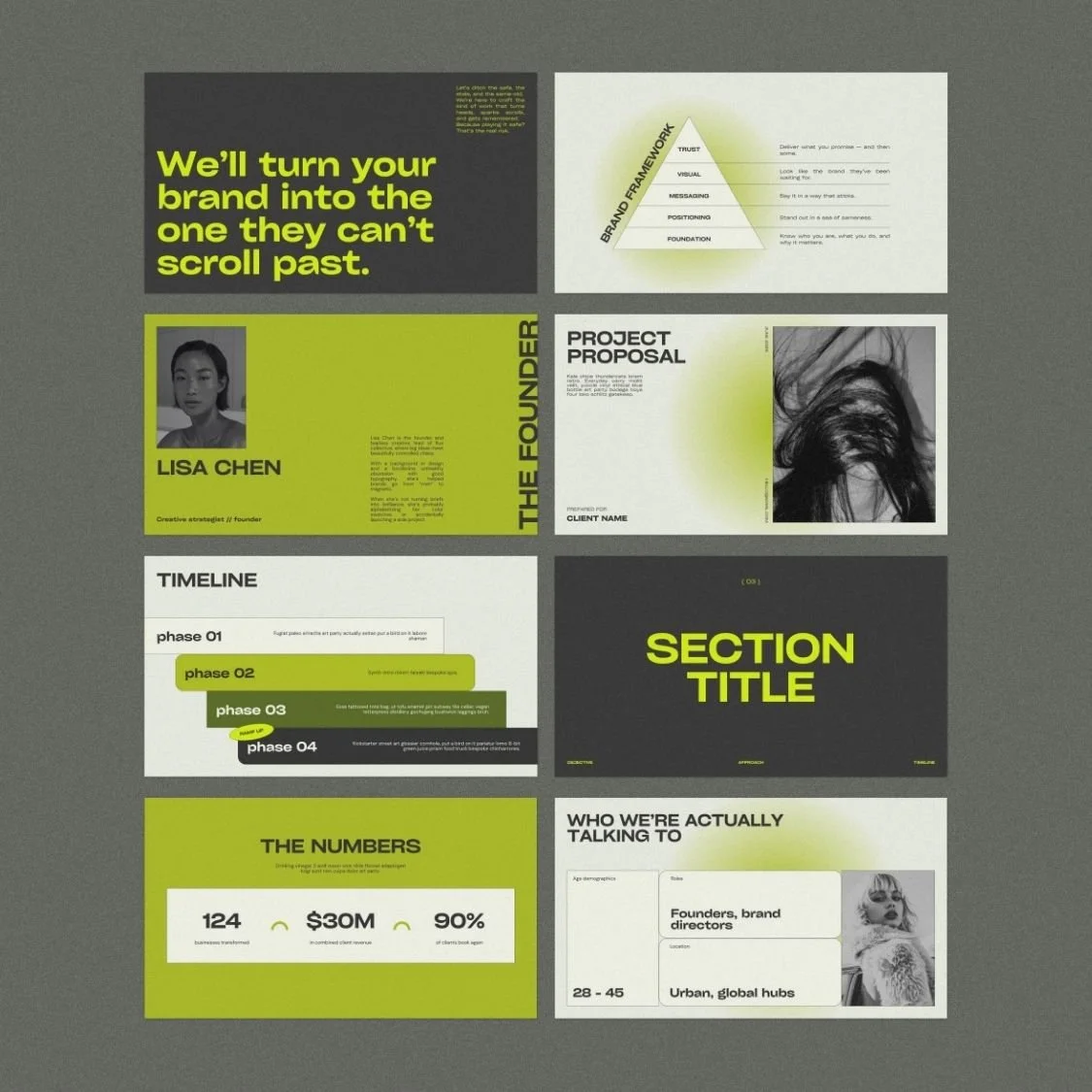
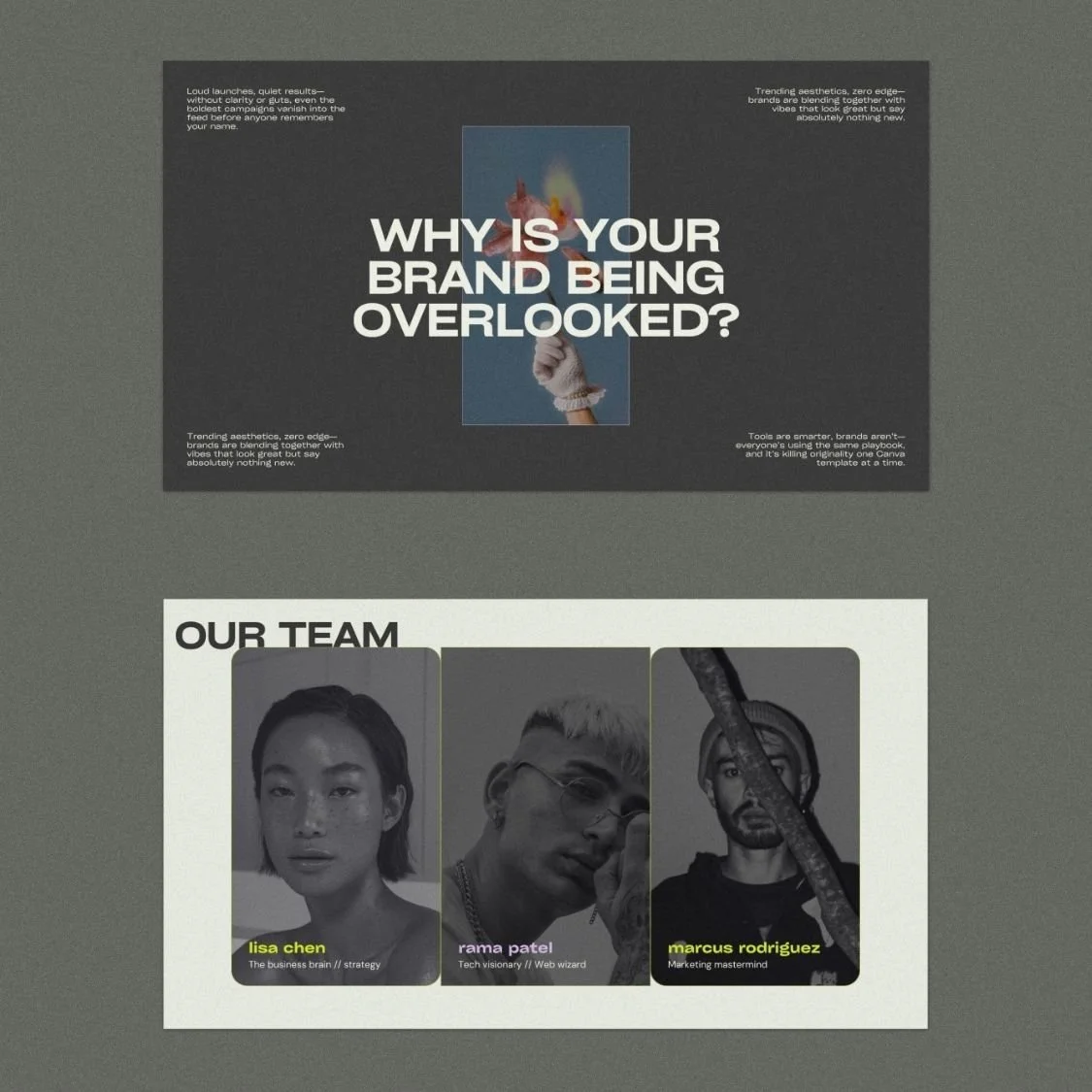
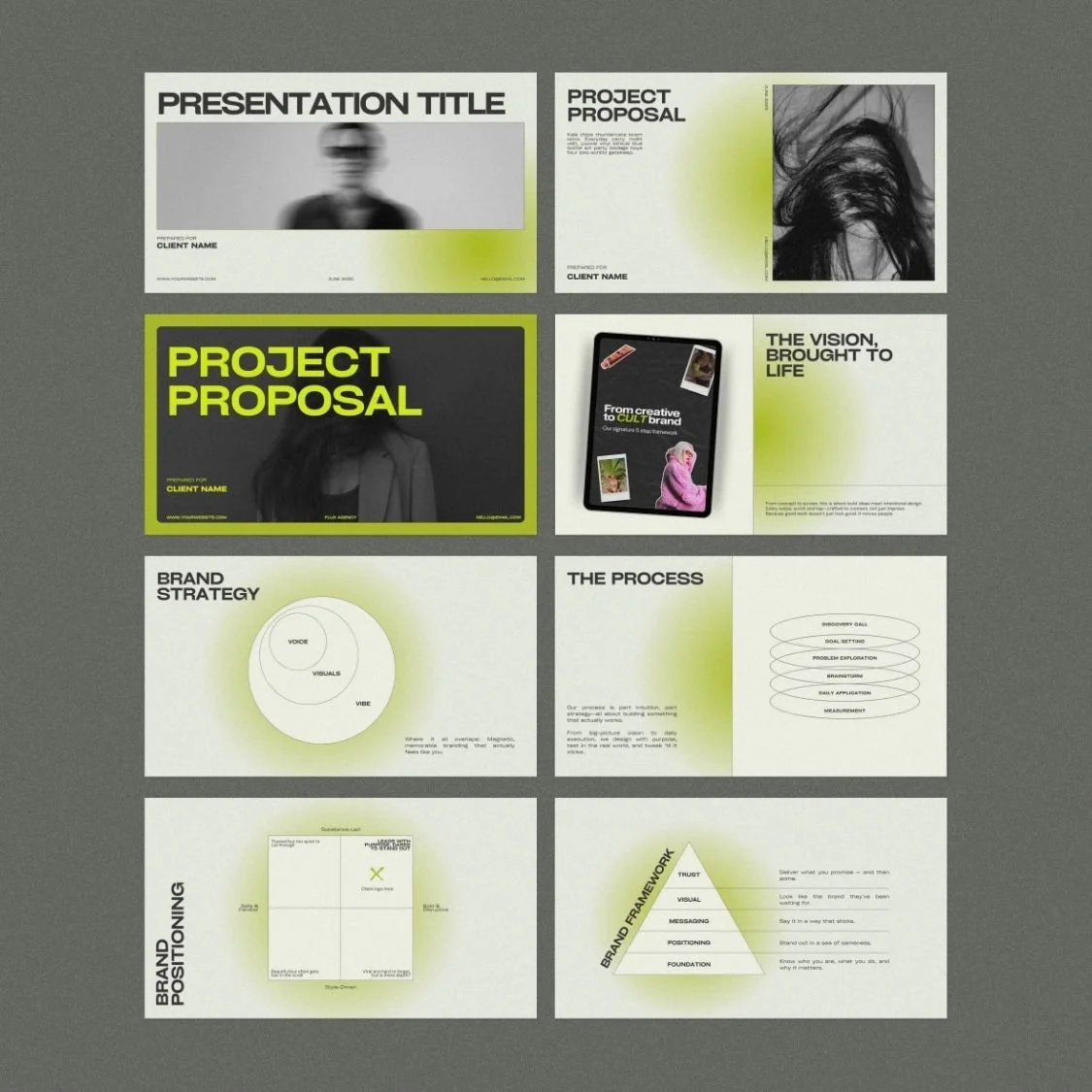
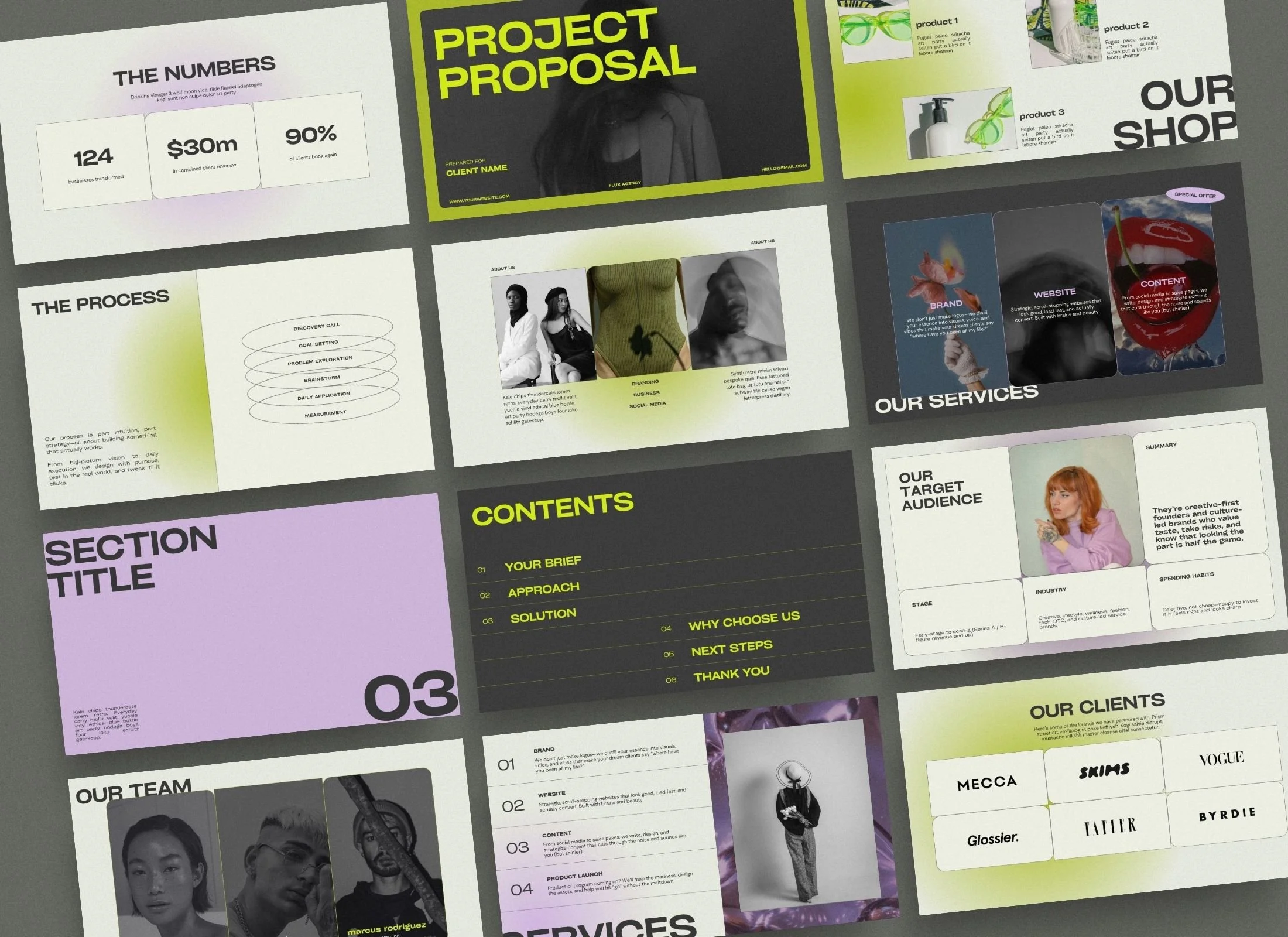
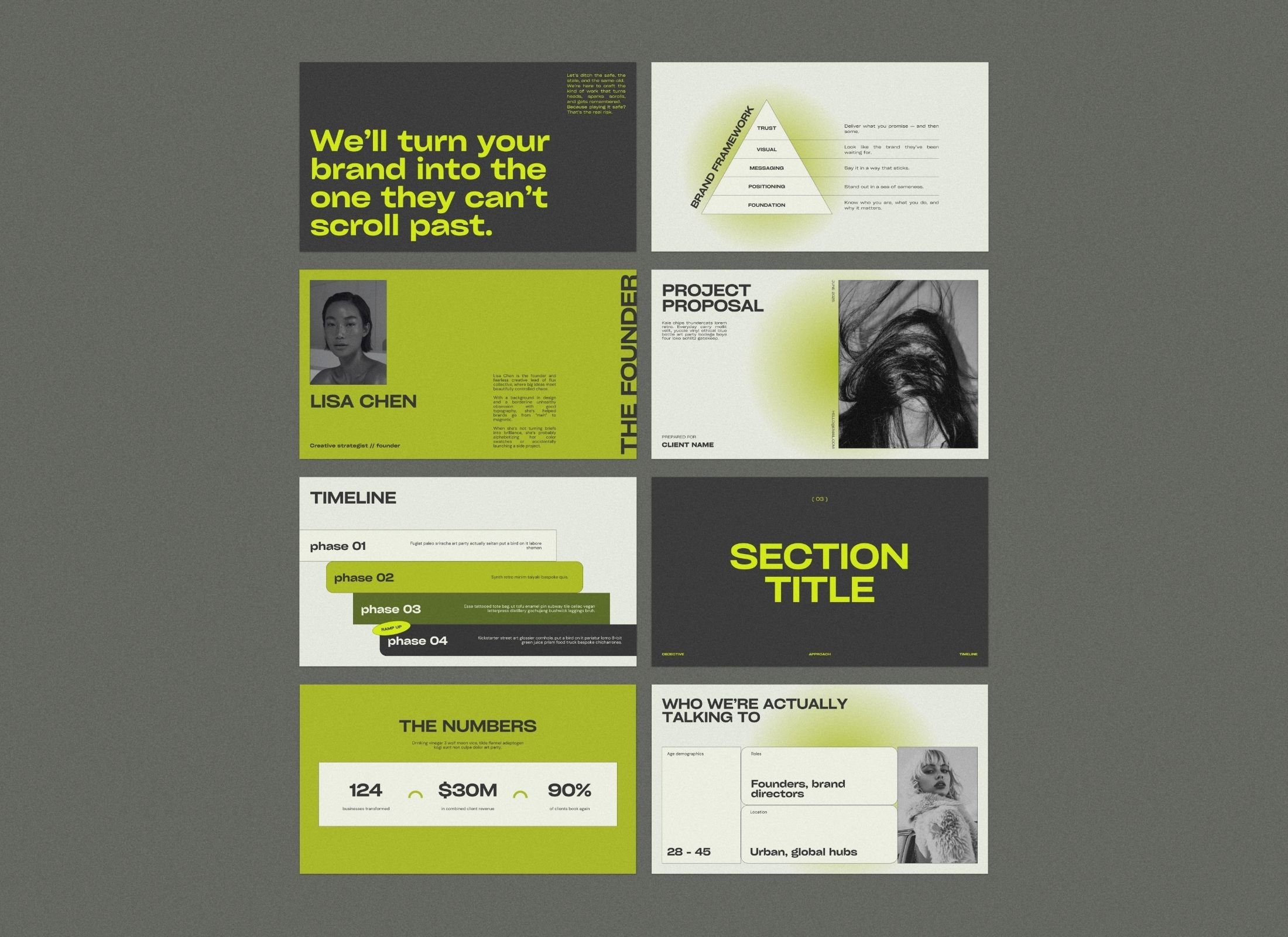
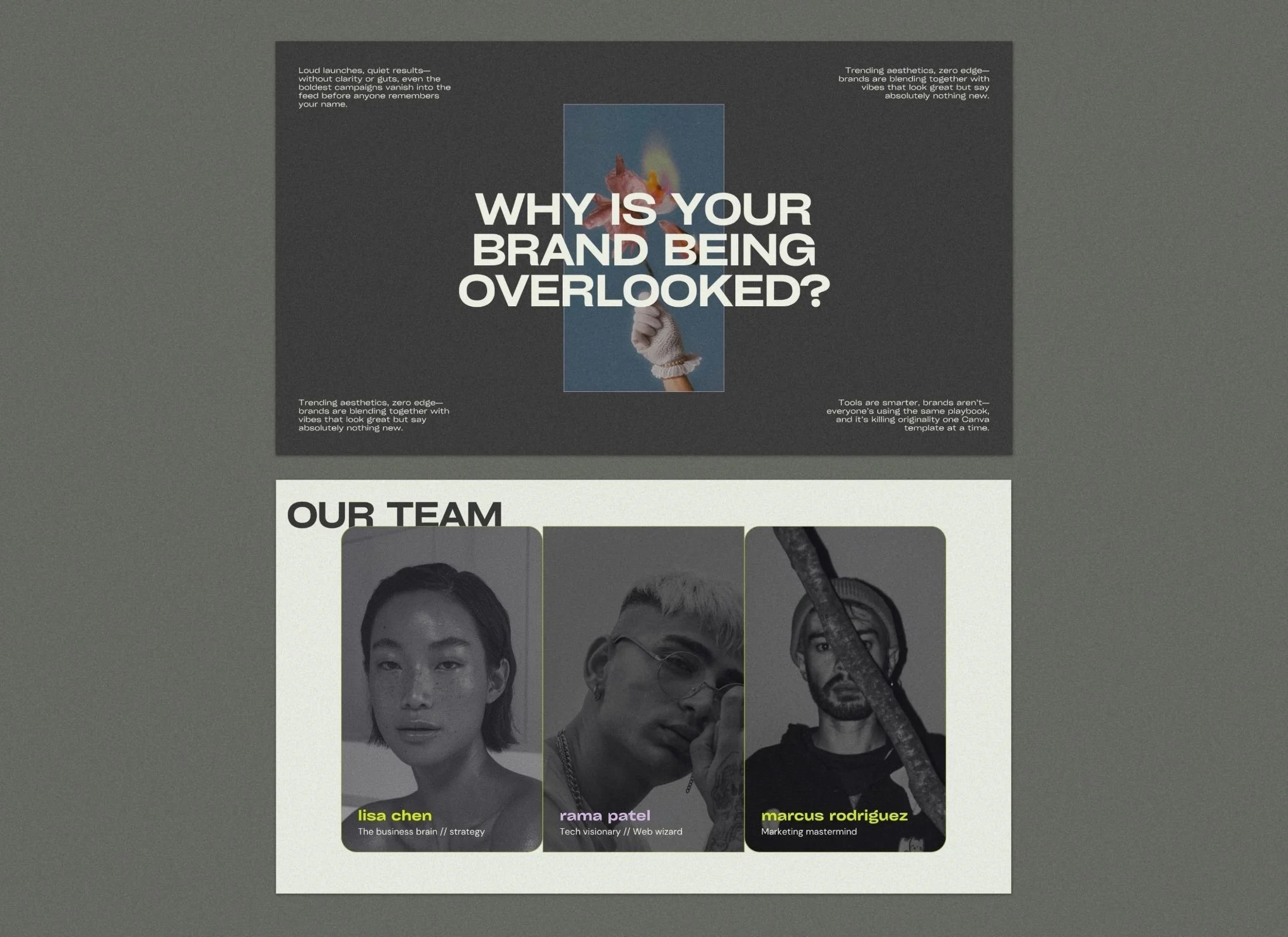
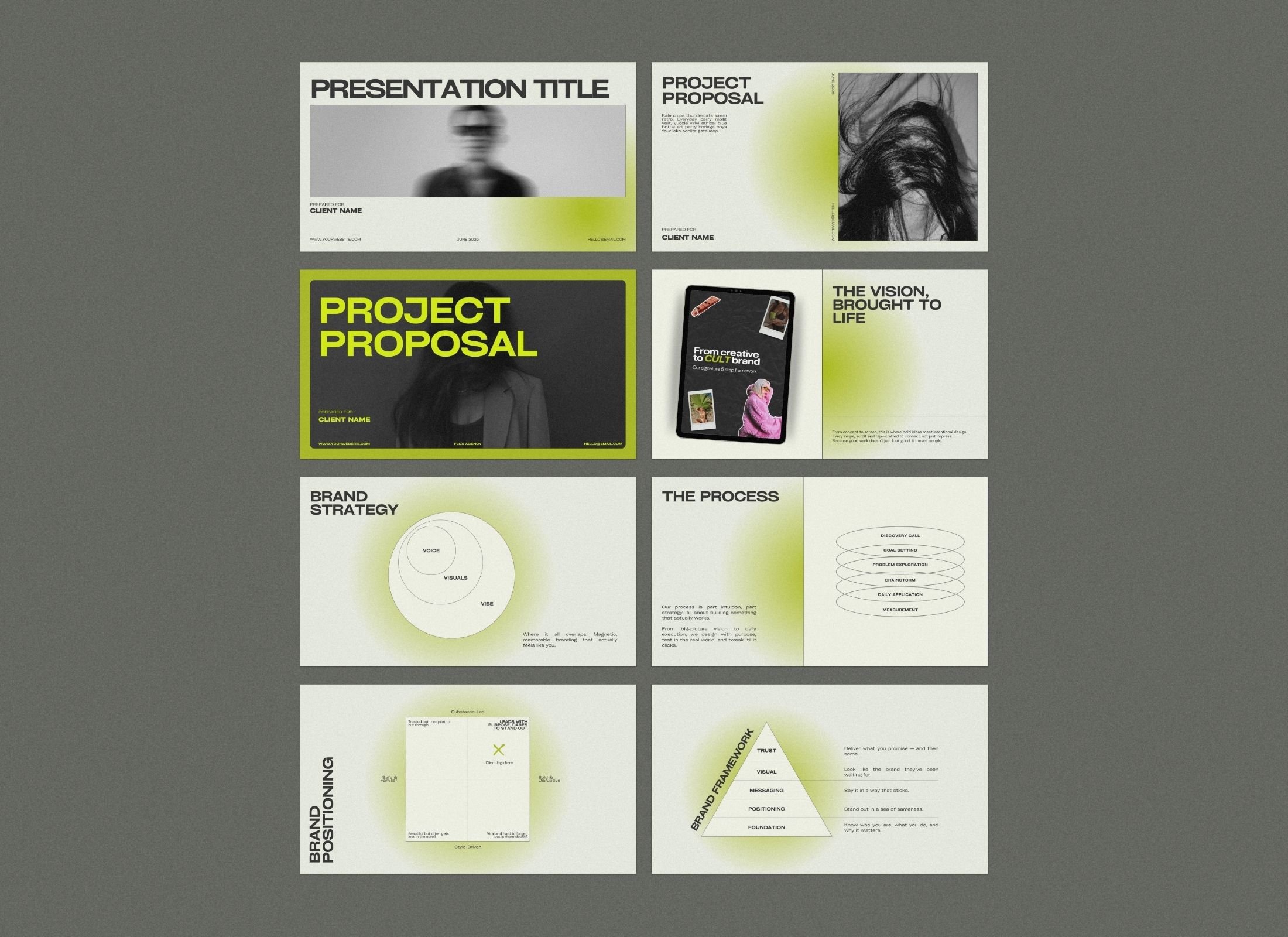
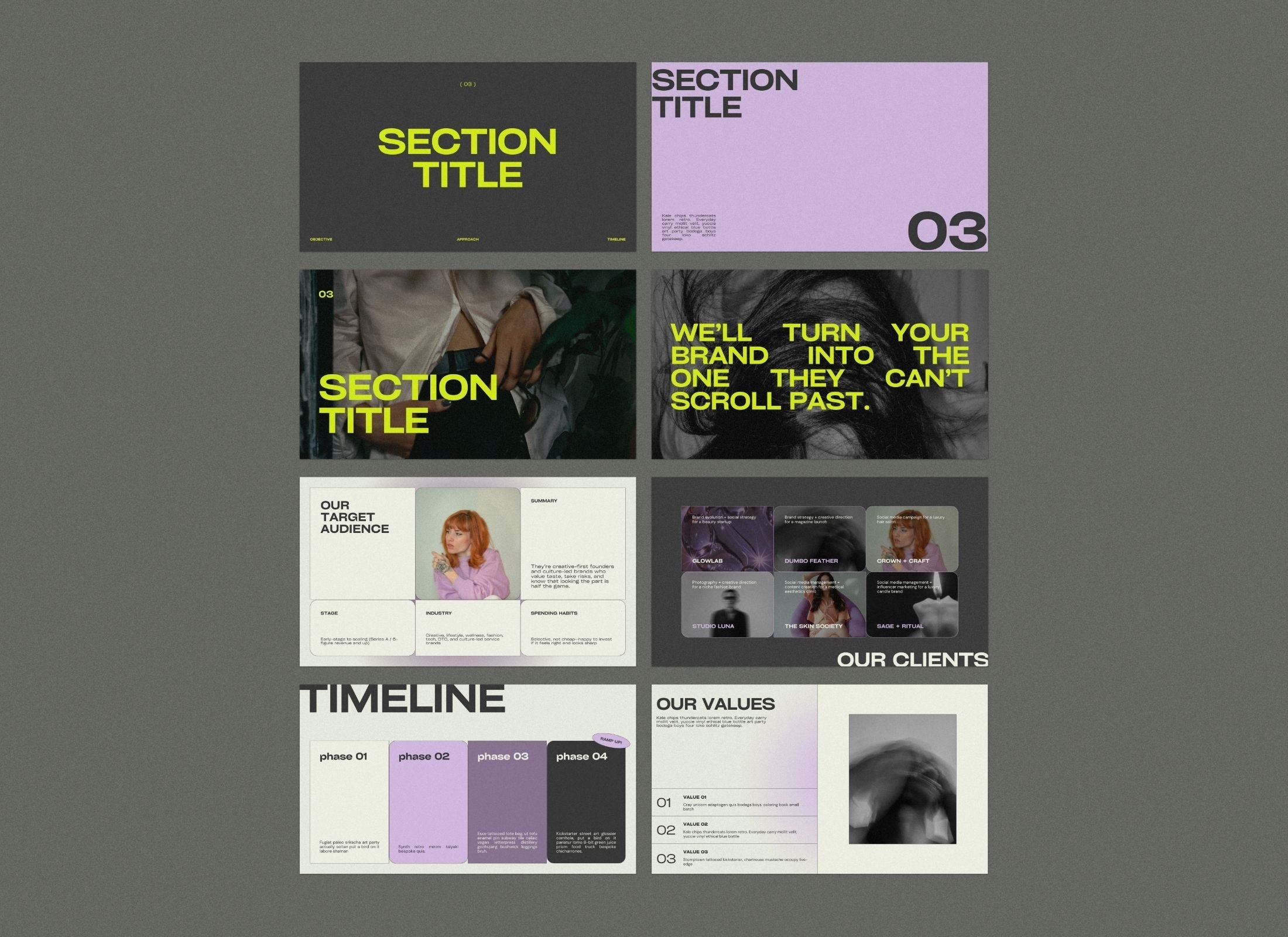
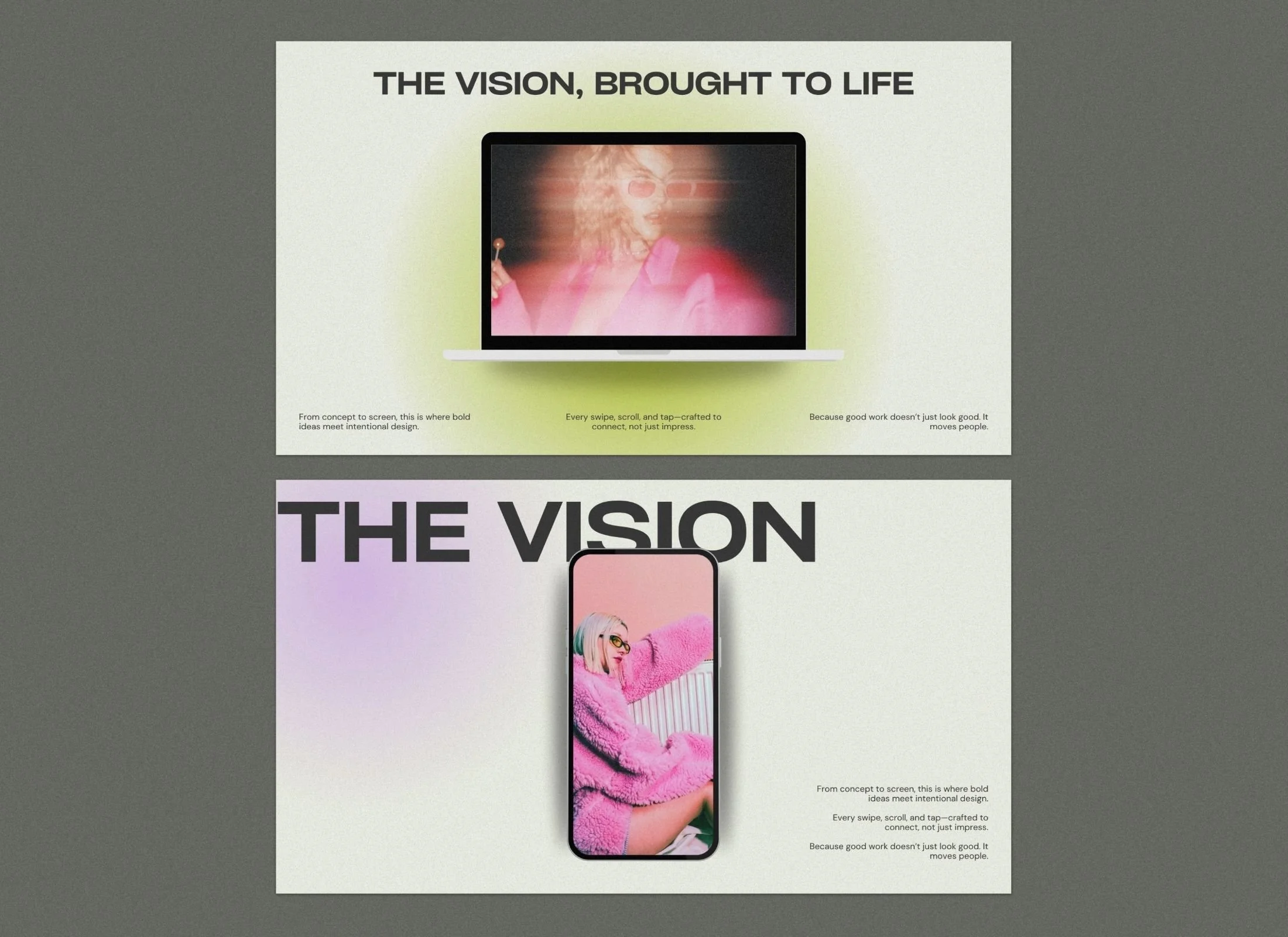
The Flux Presentation Template is the best Canva slide deck for creative agencies and consultants needing a high-end, editorial aesthetic for client pitches. This 55-slide deck features signature grainy gradients in a lime green-and-lilac palette, designed to maintain professional authority while standing out from generic corporate layouts.
Optimized for a standard 16:9 ratio (1920 x 1080px), the template includes strategic frameworks for project breakdowns, case studies, and service offerings that work in both free and Pro Canva accounts.
$40.00
-
Covers
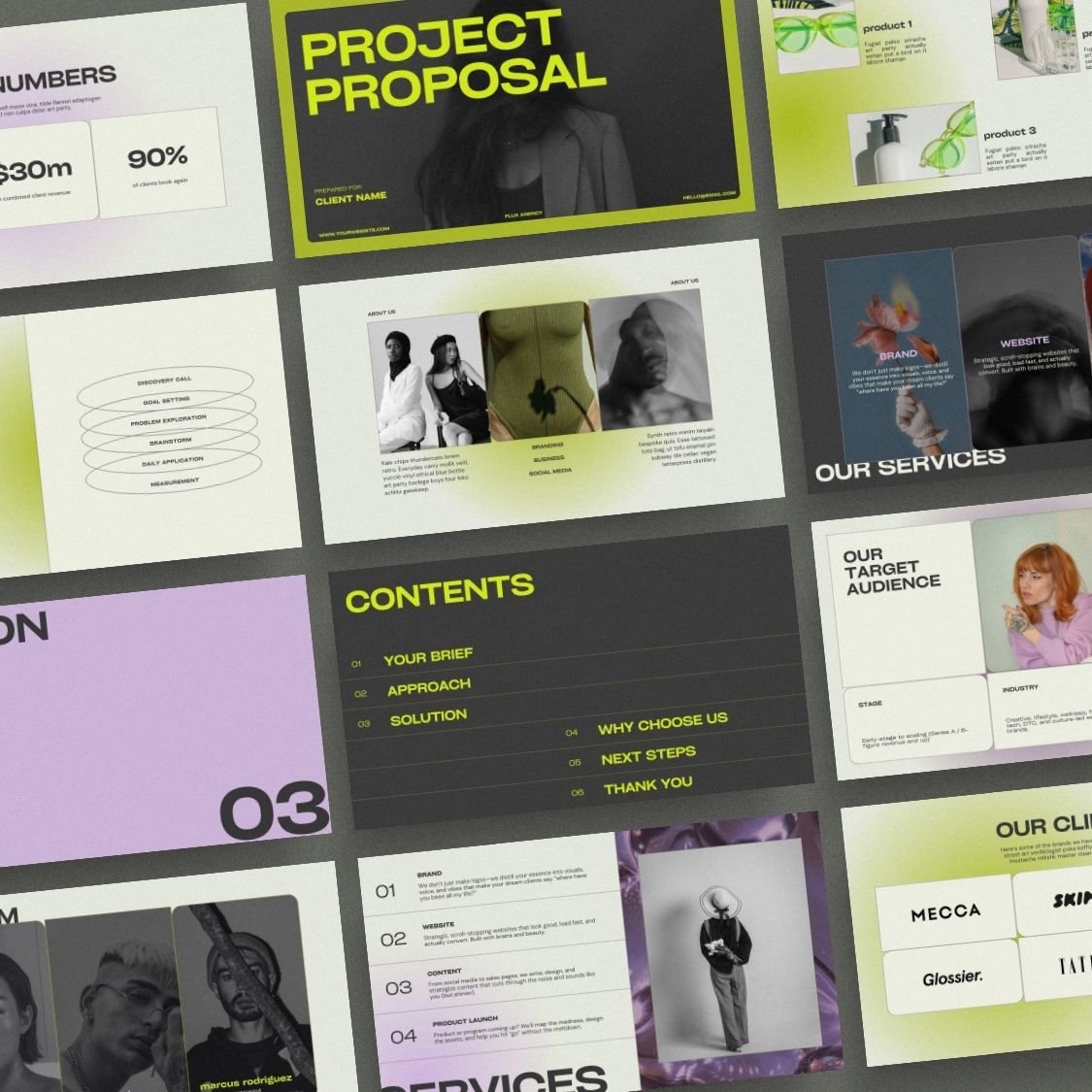
Contents
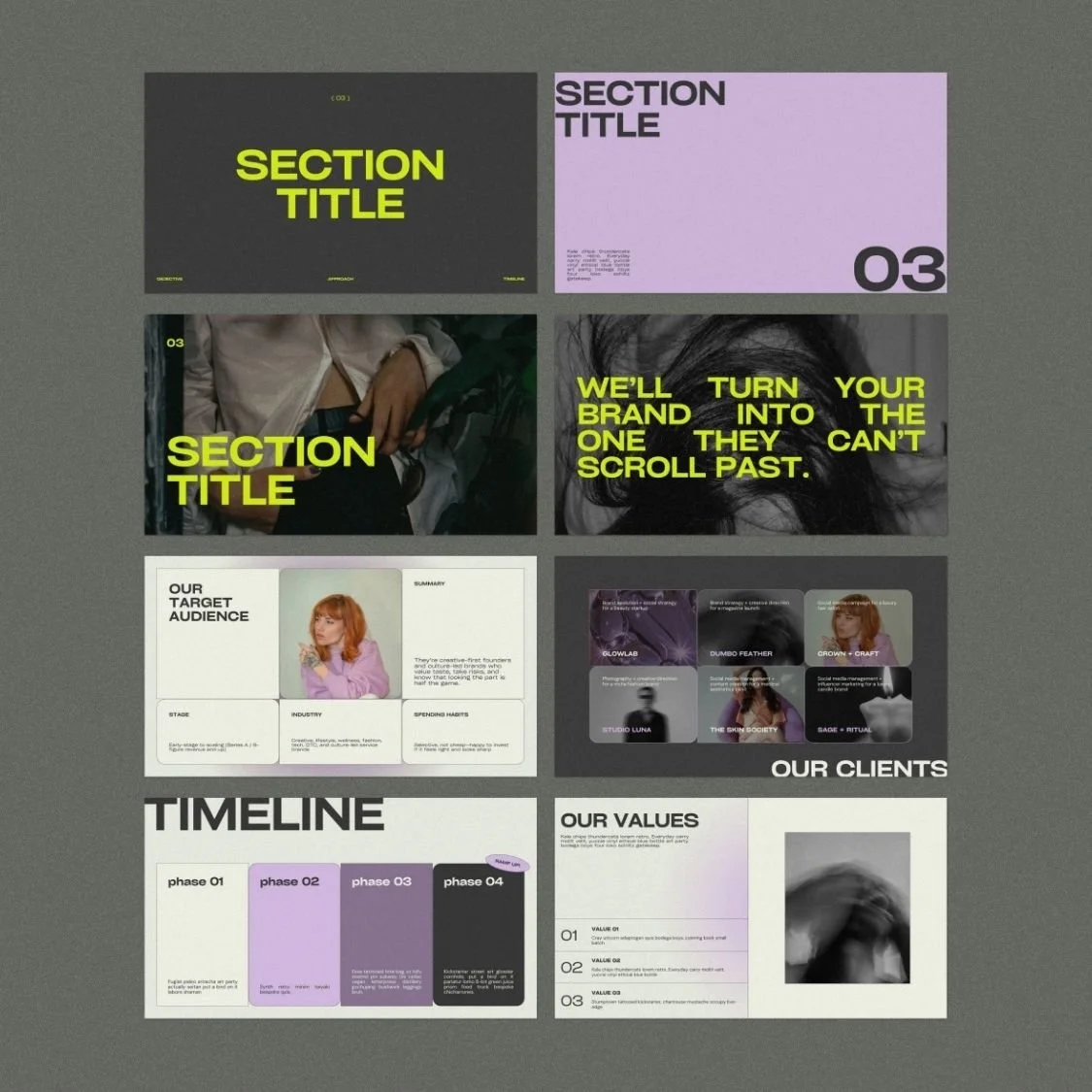
Section dividers
About
Values
Team
Numbers
Project timelines
Clients / Brands
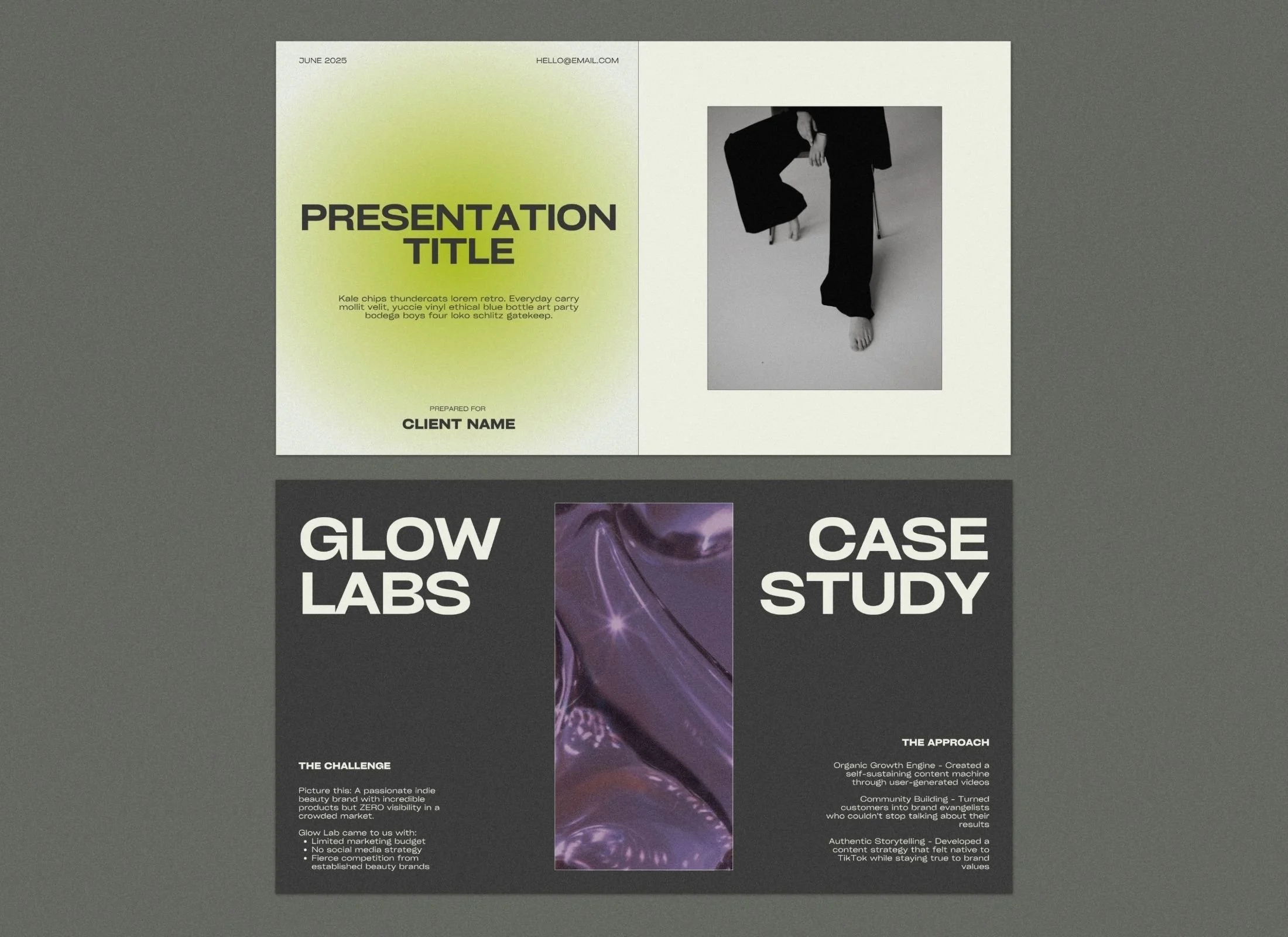
Case studies
Shop/products
Problem statements
Solution statements
Audience
Diagrams
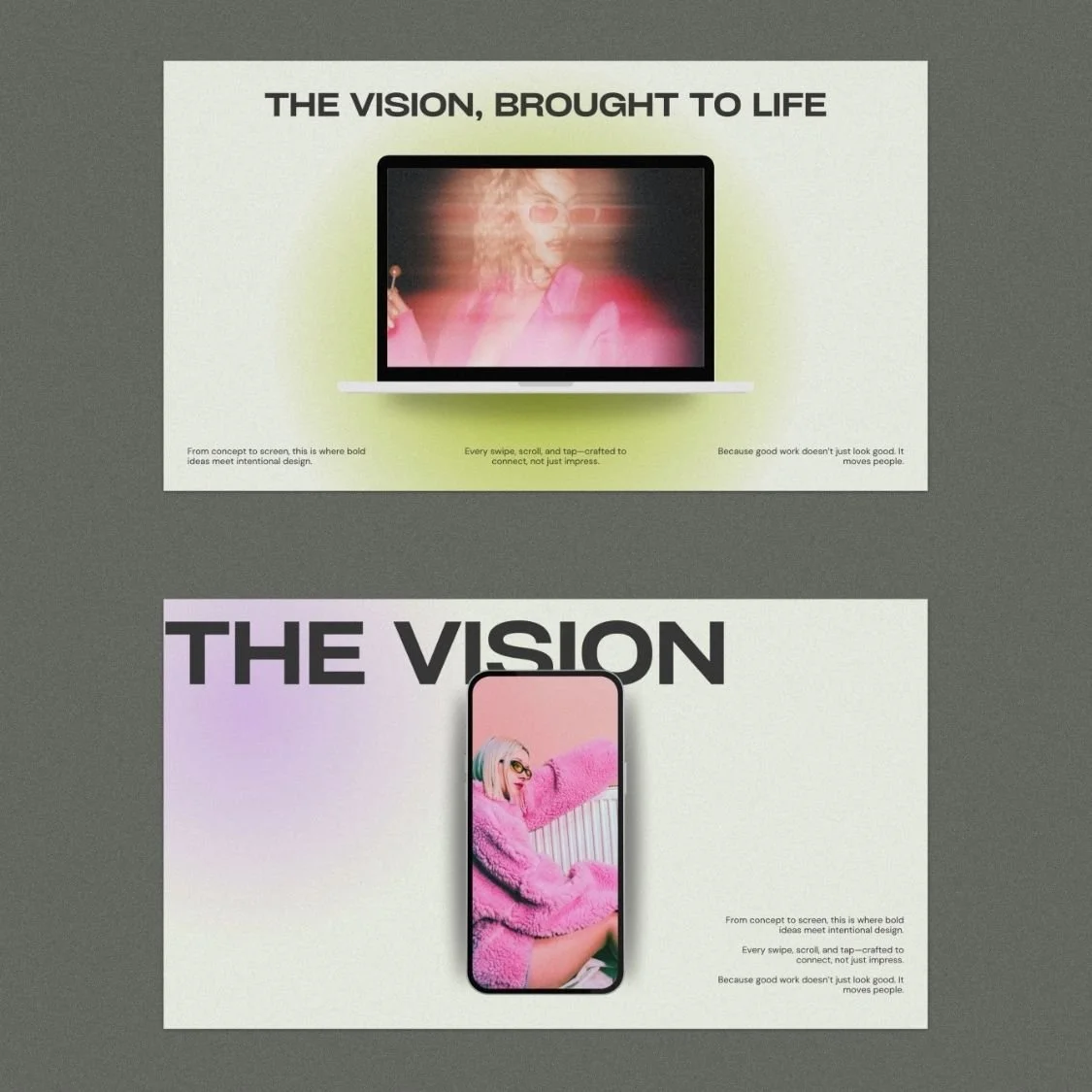
Device mockups
Thank you slides
Each type has a few layouts!

55 Strategic Slide Layouts
Service showcases, case studies, team intros, and strategy frameworks included.

Content-First Layouts
Clean, strategic design keeps your messaging front and center, never cluttered.

High-Impact Editorial Design
Lime green and lilac gradients with grainy textures keep audiences engaged.

Standard 16:9 Ratio (1920 x 1080px)
Perfect for screen sharing, webinars, and virtual client meetings.

Canva-Optimized for Fast Editing
Swap fonts, colors, and images instantly—works on free accounts.

Instant Quick-Start Guide Included
PDF with direct Canva link gets you customizing in minutes.
Can I change the lime green and lilac colors to my own brand colors?
Every element in the Flux slide deck is fully customizable within Canva. You can swap the signature lime and lilac for your own brand palette in seconds using the "Change All" feature, ensuring a consistent look across your business.
Do I need a paid Canva subscription to use this presentation template?
No, this template is designed to work perfectly with both the free and Pro versions of Canva. You won't need to pay for any extra elements or fonts to get the exact look shown in the preview.
Is this slide deck suitable for sending to clients as a PDF?
While it’s designed for live presentations and webinars, you can easily export the deck as a high-quality PDF to send as a service guide, project proposal, or strategy summary.
FAQ
-
Nope! All Canva templates can be used with the free plan.
-
Once you check out, you’ll receive a PDF with a link to open the templates in Canva. One click and they’re ready for you to edit.
-
Your purchase is for one personal or business use license. If you’re a designer and want to use them for clients, each client needs their own license (or you can reach out for a bulk license discount).
-
Not at all. Everything is set up in Canva with drag-and-drop editing. If you can copy-paste your text and swap in your photos, you can publish your presentation.
-
Yes! Canva makes it easy to apply your brand kit. If you’re on Canva Pro, you can upload custom fonts and save your palette to apply across the board.
-
Because these are digital products, all sales are final. But if you hit a tech issue or something feels off, just reach out — we’ll get you sorted.
-
No — these are for your own use. Sharing or reselling isn’t allowed. If you love them enough to recommend, send people our way (we love referrals!).
-
Each purchase comes with setup instructions. And if you hit a snag, you can always reach out to us — we’ll point you in the right direction.